.png)

If you’ve ever logged into an app, stared at your phone, and muttered “Why is this OTP taking so long?”, you already understand the problem silent authentication is trying to solve.
Silent authentication promises something better:
No codes.
No typing.
No waiting.
It just…works.
Until it doesn’t.
And when it doesn’t, the culprit is often one of two situations:
- the device is roaming, or
- the device is on Wi-Fi only.
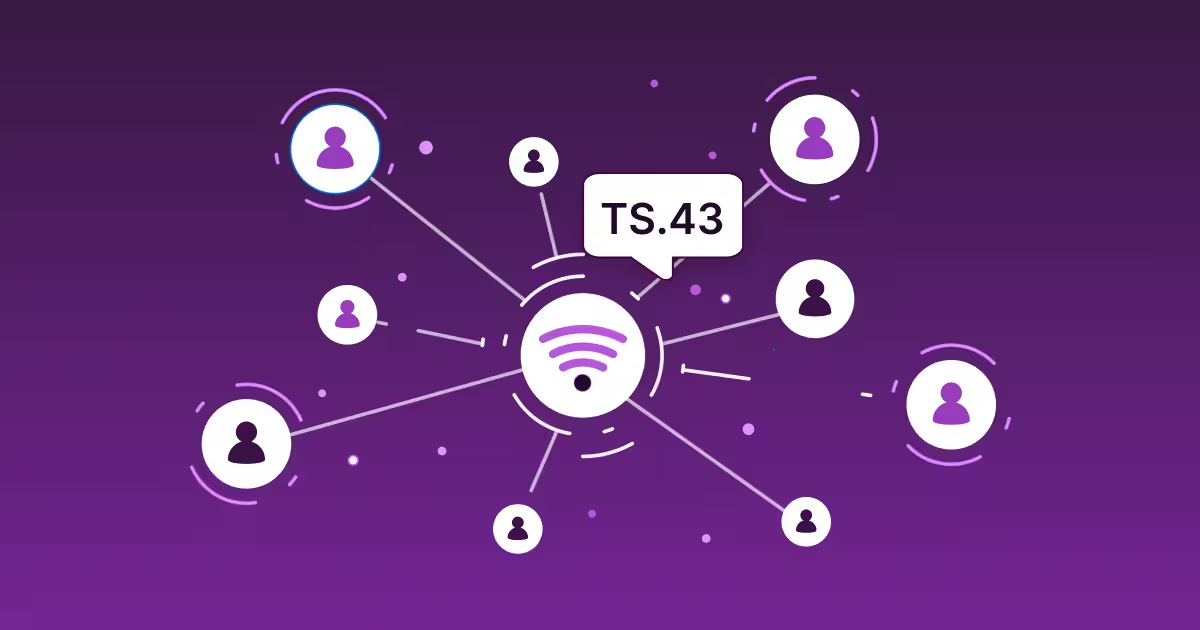
At the center of both cases sits a quiet but powerful component: the TS.43 entitlement server.
Let’s unpack what actually happens in these scenarios plainly, accurately, and without pretending the network behaves the same everywhere.
First, a quick reality check: what TS.43 really does
GSMA SGP.22 TS.43 doesn’t define “silent authentication” as a product feature. It defines entitlement flows; the rules and mechanisms by which a mobile network decides:
- Is this SIM or eSIM real?
- Is the subscription active?
- Is this device allowed to use this service right now?
Those decisions are enforced by the entitlement server, using SIM-based cryptographic methods like EAP-AKA, inside trusted telecom infrastructure.
Silent authentication is what you experience. Entitlement validation is what the network does.
No entitlement check → no silent authentication. Simple as that.
So what happens when the device is roaming?
This is where assumptions quietly break.
When roaming can work
When a device is roaming, it’s still attached to a mobile network, just not its home network. In theory, entitlement checks can still succeed if:
- The visited network and home network have the right roaming agreements
- Signaling paths allow entitlement queries to reach the home operator
- IMS and entitlement services are exposed correctly across borders
When all of that lines up, entitlement validation can work. Silent authentication may succeed. Everyone’s happy.
When roaming doesn’t work (which is more common)
In practice, roaming introduces:
- Extra hops
- Latency
- Policy mismatches
- Partial entitlement exposure
Some operators allow entitlement checks while roaming. Others don’t. Some allow them for IMS services but not for authentication APIs. Some allow them only in specific regions.
The result?
Silent authentication becomes inconsistent during roaming: not broken, just unreliable.
(See how roaming impacts TS.43 Entitlement Flows here)
That’s why serious deployments never assume roaming behaves like home-network access.
If you’re planning silent authentication across multiple countries, this is where expert input really matters. Roaming behavior is not uniform, and guessing usually ends badly. Get in touch with us to know more.
Now the big one: what if the device is on Wi-Fi only?
Short answer: entitlement checks don’t work.
Longer answer: they’re not supposed to.
Why entitlement servers don’t authenticate over Wi-Fi
Entitlement servers rely on one crucial thing:
mobile network attachment.
When a device is on Wi-Fi only:
- There’s no cellular signaling path
- No SIM-level authentication exchange
- No trusted telecom context
From the network’s point of view, the device is just another internet client. And that’s not enough to prove identity at the SIM or subscription level.
So entitlement validation fails.
And silent authentication stops right there.
This isn’t a limitation. It’s a deliberate security boundary.
Why silent authentication should fail on Wi-Fi
It’s tempting to see this as a flaw. It isn’t.
Silent authentication is powerful because it stays inside trusted telecom infrastructure. Extending it blindly to Wi-Fi would weaken the trust model and open doors to impersonation.
That’s why:
- Silent authentication works best on cellular
- Wi-Fi requires a fallback
- Well-designed systems expect this and plan accordingly
If someone tells you silent authentication works everywhere without exceptions, they’re oversimplifying, or selling.
What smart systems do instead: fallback, don’t panic
The strongest authentication flows are layered, not rigid.
In real-world deployments:
- Silent authentication is the first signal
- Entitlement validation establishes network trust
- Fallback methods handle edge cases
Common fallbacks include:
- OTP (yes, it still matters)
- App-based authentication
- Risk-based checks triggered only when needed
This approach keeps the experience smooth and compliant.
Our teams regularly help design hybrid flows where entitlement servers, silent authentication, and OTPs work together instead of fighting each other. If you’re navigating these trade-offs, we’re happy to help.
A quick word on Silent Network Authentication (SNA)
You’ll often hear this wrapped up as Silent Network Authentication (SNA), especially in GSMA and CAMARA discussions.
SNA exposes network trust through APIs like:
- Number verification
- Network identity confirmation
But under the hood, it’s still the same story:
entitlement servers enforcing TS.43-aligned checks.
APIs are the interface.
Entitlement servers are the authority.
Best practices if you’re deploying TS.43-based authentication
A few hard-earned lessons:
- Don’t assume roaming behaves like home networks
- Always design a fallback for Wi-Fi-only scenarios
- Test by region, not just by country
- Treat entitlement validation as a signal, not a silver bullet
And most importantly: don’t design this in isolation. Telecom behavior varies more than most architecture diagrams admit.
FAQs (because these always come up)
Does silent authentication work when roaming?
Sometimes. It depends on operator agreements, signaling paths, and entitlement exposure. Results vary by region and carrier.
Does TS.43 entitlement work over Wi-Fi?
No. TS.43 entitlement checks require mobile network attachment and do not function on Wi-Fi-only connections.
Why does silent authentication fail on Wi-Fi?
Because there’s no SIM-level network context to validate identity securely. This is intentional.
Wrapping up: quiet systems, clear expectations
Silent authentication feels magical when it works because the complexity is hidden deep inside the network.
Entitlement servers (especially those aligned with TS.43) are what make that possible. But they follow strict rules. Roaming bends those rules. Wi-Fi steps outside them entirely.
The best systems don’t fight this reality. They design around it.
If you’re exploring entitlement servers, silent authentication, or hybrid authentication flows and want clarity before deployment, talk to our experts. We’ve seen the edge cases, and helped teams avoid them.